
Car Parking Multiplayer System Requirements has become one of the most popular driving simulation games in recent years, attracting players with its realistic car physics, open-world freedom, and multiplayer interactions. Unlike traditional racing games, Car Parking Multiplayer combines driving challenges, role-playing elements, and online social gameplay, making it appealing to casual gamers and hardcore driving enthusiasts alike. However, before diving into the immersive world of Car Parking Multiplayer, it’s crucial to understand the system requirements, optimize your PC setup, and ensure you have the necessary hardware to enjoy smooth gameplay.
Playing without meeting the proper specifications can lead to lag, crashes, or reduced graphics quality, significantly impacting your gaming experience. In this comprehensive guide, we will break down the minimum Car Parking Multiplayer System Requirements, outline the recommended PC setup, explain the hardware needed for optimal performance, and provide actionable performance tips to enhance your gameplay in 2026.
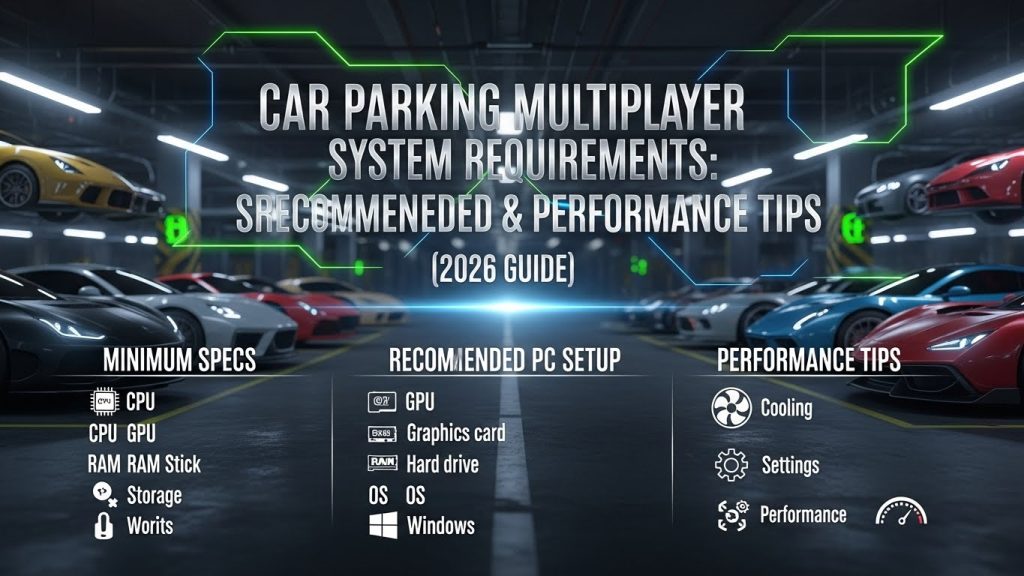
Minimum Specs for Car Parking Multiplayer
If you are using an older or budget PC, understanding the minimum specs for Car Parking Multiplayer is important before installing the game. These basic requirements allow the game to launch and run at low settings. While the experience may not include high-end graphics or ultra-smooth frame rates, it still lets you enjoy core gameplay features like driving, parking, and open-world exploration. Performance may drop slightly in crowded multiplayer areas or during heavy traffic scenarios. Meeting the minimum requirements ensures the game runs, but adjustments may be needed for stability. Below are the official minimum system Requirements.
Operating System
Windows 10 (64-bit) is recommended for optimal compatibility and stability. It supports modern drivers and ensures better memory management. This helps maintain smoother gameplay and fewer system conflicts.
Processor (CPU)
A processor like Intel Core i5-9400F or AMD Ryzen 5 3600 provides strong performance for handling physics, AI traffic, and multiplayer processing. These CPUs reduce stuttering in open-world environments and improve loading speeds.
RAM
At least 8 GB RAM is recommended for stable performance. This ensures smoother multitasking and prevents lag during intensive multiplayer sessions. More RAM allows better texture loading and system responsiveness.
Graphics Card (GPU)
A dedicated GPU such as NVIDIA GTX 1060 or AMD RX 580 enables high-quality textures, detailed shadows, and realistic lighting. These graphics cards maintain consistent FPS even in busy online environments.
DirectX, Storage & Internet
The game requires DirectX 12, at least 4 GB of storage, and a stable broadband connection for multiplayer mode. A reliable internet connection ensures smoother online races and reduced latency. Meeting or exceeding these recommended specifications guarantees a visually impressive, stable, and immersive driving experience.
How to Optimize A PC for Car Parking Multiplayer?
Even if your computer meets the recommended specifications, proper optimization is necessary to get the best performance in Car Parking Multiplayer. Multiplayer races, crowded servers, and detailed open-world maps can increase system load. Small system Requirements tweaks can significantly improve FPS, reduce lag, and prevent random crashes. Optimization also helps maintain stable temperatures and smoother online gameplay. Instead of upgrading hardware immediately, applying smart performance adjustments can make a noticeable difference. Below are the most effective ways to optimize your PC for smoother gameplay.
Update Drivers
Always keep your GPU and motherboard drivers updated. Graphics card manufacturers release performance updates that improve compatibility and fix bugs. Updated drivers ensure better stability and smoother frame rates.
Adjust In-Game Settings
Lower shadows, reflections, and draw distance to boost FPS. Reduce texture quality if using an older GPU. Enable V-Sync if you experience screen tearing during gameplay.
Close Background Applications
Applications like browsers, streaming software, and system updates consume RAM and CPU power. Closing unnecessary programs frees up system resources. This helps reduce stuttering and improves overall responsiveness.
Enable Windows Game Mode
Windows Game Mode prioritizes system resources for gaming. It reduces background tasks that may interfere with performance. Enabling this feature can improve stability during long multiplayer sessions.
Monitor System Temperature
High CPU or GPU temperatures can cause thermal throttling and performance drops. Ensure proper airflow and clean dust from your system regularly. Additional cooling solutions may help maintain consistent performance. By applying these optimization techniques, even mid-range systems can run Car Parking Multiplayer more smoothly with improved stability and faster loading times. Multiplayer more efficiently, providing smoother driving, quicker loading times, and better overall performance Car Parking Multiplayer System Requirements.
Hardware Needed for Smooth Car Parking Multiplayer Gameplay
To enjoy a smooth and lag-free experience in Car Parking Multiplayer, having the right hardware is essential. The game features open-world environments, realistic physics, and active multiplayer interactions that require stable system Requirements performance. While minimum requirements allow basic gameplay, stronger hardware ensures better visuals, faster loading times, and stable frame rates. Investing in balanced components prevents stuttering, overheating, and sudden crashes during intense sessions. Whether you play casually or competitively, upgrading the right parts of your PC can significantly improve performance. Below are the key hardware components needed for optimal gameplay.
Processor (CPU)
A mid-range processor such as Intel Core i5 or AMD Ryzen 5 can efficiently handle game physics, AI traffic, and multiplayer processing. Stronger CPUs reduce lag in crowded areas and improve overall system Requirements. Higher clock speeds also help maintain consistent FPS during long sessions.
Graphics Card (GPU)
A dedicated GPU is crucial for rendering detailed cars, lighting, and textures smoothly. Options like NVIDIA GTX 1660 / 1660 Super or AMD RX 580 / RX 590 deliver stable performance at medium to high settings. A powerful GPU ensures better visual quality without frame drops.
RAM
At least 8 GB RAM is recommended for smooth multiplayer gameplay. For multitasking, streaming, or background applications, 16 GB RAM provides better stability. More memory helps prevent stuttering and improves overall game responsiveness.
Storage (SSD Recommended)
Installing the game on an SSD significantly reduces loading times compared to an HDD. Faster storage improves map loading and texture streaming. This results in smoother transitions in open-world environments.
Internet Connection
A stable broadband connection (minimum 5 Mbps) is required for multiplayer mode. Using a wired Ethernet connection reduces latency and packet loss. A reliable network ensures smoother online races and fewer disconnections. By upgrading these essential components, players can achieve better stability, improved graphics, and a truly immersive driving experience.
Car Parking Multiplayer Performance Tips
Even if your system meets the recommended specifications, optimizing performance is essential for a smooth and lag-free experience in Car Parking Multiplayer. Multiplayer sessions, crowded maps, and high-speed races can put extra load on your CPU, GPU, and internet connection. Small adjustments in system Requirements settings and in-game configurations can significantly improve FPS and stability. Proper maintenance and smart resource management also help prevent crashes and overheating issues. By applying the right performance strategies, you can enjoy smoother gameplay and better responsiveness. Below are the most effective tips to maximize performance.
Optimize Graphics Settings
Adjust the in-game graphics based on your hardware capability. Use medium to high settings on recommended PCs and low to medium on budget system Requirements. Lowering shadows, reflections, and draw distance can greatly improve frame rates.
Reduce Resolution Scaling
Lowering resolution scaling slightly increases FPS without heavily affecting visual clarity. This is especially helpful for mid-range GPUs struggling with high textures. It provides a smoother experience during intense multiplayer sessions.
Use a Wired Internet Connection
Multiplayer gameplay depends heavily on stable internet. Using an Ethernet connection instead of Wi-Fi reduces latency, ping spikes, and unexpected disconnections. A stable connection ensures smoother online races.
Regularly Clean Your System
Dust buildup inside your PC can cause overheating and performance drops. Cleaning fans and ensuring proper airflow prevents thermal throttling. Cooler components perform more efficiently during long gaming sessions.
Overclock with Caution
Advanced users can slightly overclock their GPU for extra FPS. However, this should be done carefully with temperature monitoring. Improper overclocking may lead to instability or hardware damage.
Close Unnecessary Background Tasks
Running browsers, streaming apps, or heavy software consumes RAM and CPU power. Closing unused applications frees system Requirements for the game. This reduces stuttering and improves overall responsiveness. Applying these performance tips ensures smoother gameplay, better stability, and a more enjoyable driving experience:
Conclusion
Understanding the Car Parking Multiplayer System Requirements is crucial for players who want a smooth and immersive experience. While the minimum specs allow the game to run, they are best suited for low settings and basic gameplay. Meeting the recommended system requirements ensures high-quality visuals, stable FPS, and seamless multiplayer interactions. By following our PC optimization tips, investing in essential hardware, and applying practical performance strategies, you can unlock the full potential of Car Parking Multiplayer in 2026.
Whether you are exploring the open-world environment, performing advanced parking maneuvers, or engaging in multiplayer sessions, proper system Requirements ensures a satisfying, lag-free experience. From casual gamers to competitive players, understanding Car Parking Multiplayer System Requirements and performance optimization is the key to maximizing enjoyment and achieving your best gameplay performance in Car Parking Multiplayer System Requirements.